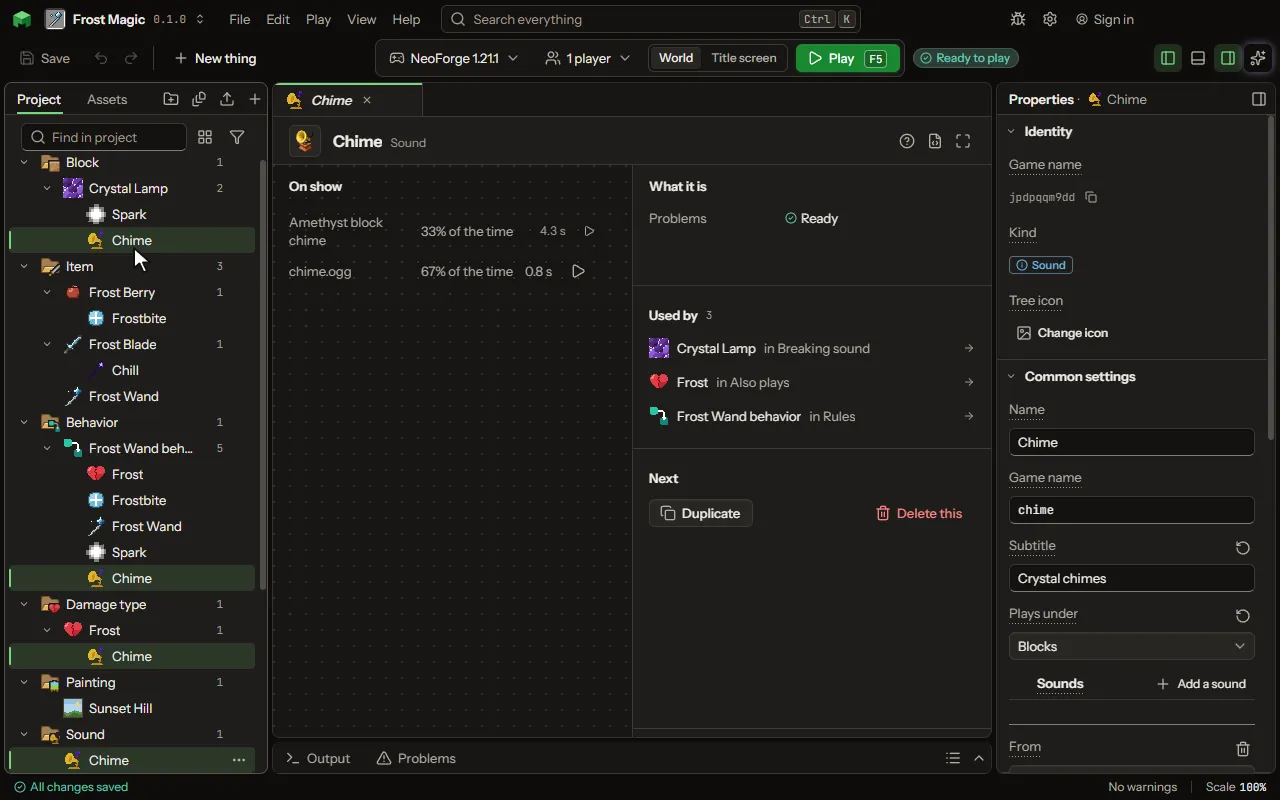
Sound editor
A sound the game plays.
How to add it#
- New thing > Mobs and models > Sound
What you can set#
| Setting | What it does |
|---|---|
| Name | A name for you. Players read its subtitle. |
| Game name | The sound's name in the game, as /playsound and another mod name it. |
| Subtitle | What a player with subtitles on reads while it plays. Left empty, it is the sound's name. |
| Plays under | The slider in the game's Music and Sounds screen that makes it louder or quieter: a block's sounds under Blocks, a creature's under Friendly or Hostile Creatures, a rule's played for a player under Players. Choose one of: Master volume, Music, Jukebox and note blocks, Weather, Blocks, Hostile creatures, Friendly creatures, Players, Ambient, Voice and speech. |
| Sounds | One of these plays each time, as likely as its weight against the others, as a block's footsteps vary. Each row has: From, File, Game's sound, Weight, Volume, Pitch, Heard up to, Stream it. |
What it becomes in the game#
It is not part of the game itself: it describes another mod or a file, so it has no side to choose.
What it works with#
It does not point at other things.
These point at it: Block, Mob, Damage type, Villager job, Biome.
Picture#