Your first mod in 10 minutes
Keep this page open beside Modryos.
1. Start a mod#
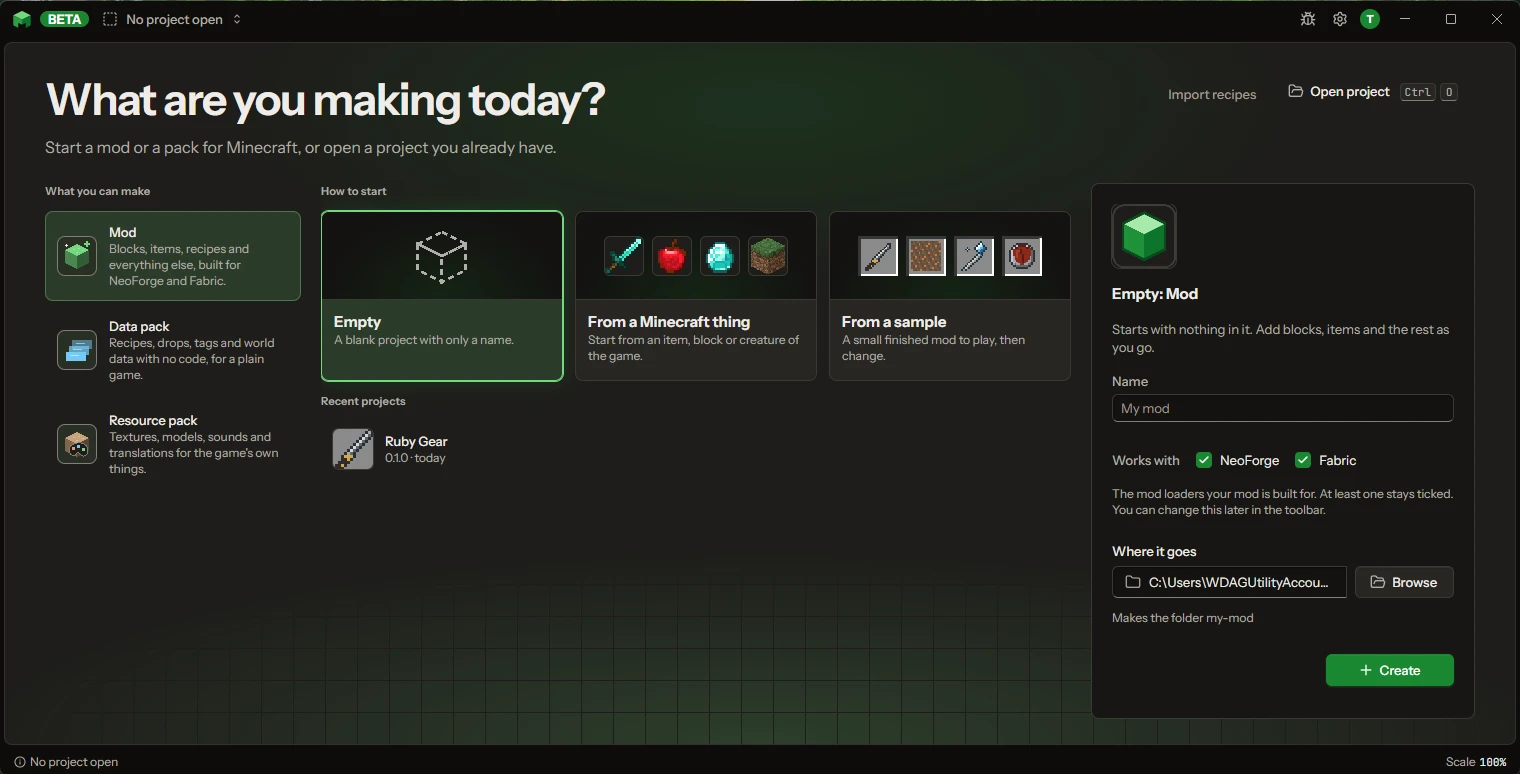
On the start screen, What are you making today?, start a new mod. Pick From a sample and then Ruby Gear, the first one in the list, so there is already something in it (see Templates and samples). Press Make my copy. When you start a new mod yourself, keep both loaders ticked under Works with.
2. Follow First steps#
Modryos shows a small First steps card with four steps: Look, Change, Play and In the game. You can open it again any time with Help > Getting started.
- Look. Click one of your things in the Project list on the left. Blocks, items and creatures open so you can see how they are made.
- Change. Change its name or any number you see. You can always undo it, so try anything.
- Play. Press Play at the top. Modryos builds your mod and opens Minecraft with it. The first time takes a few minutes. Keep the window open.
- In the game. Find your thing in the creative inventory, in your mod's own tab. The card says "Your mod is in the game. Well done!" when it sees it.
3. Add something of your own#
Press New thing, pick a category such as Blocks and items and then Block. Give it a name and press Play again. More: A block with your own picture and Make a fire sword.
4. Change it again#
Change a colour or a name, then press Reload in the game. The change shows up without restarting. Press Stop when you are done.
5. Make the mod file#
Press Stop (the square next to Play) if the game is still open, then use File > Export > Make the mod file (.jar). See Export.
Next: read more about Play.